

AI Product Video: Workflow, Costs and Brand Controls

Can an AI product video give brands more creative range without changing what customers are actually buying?
Generative tools can place a product in cinematic worlds, explore campaign concepts, animate still references and create versions faster than many traditional pipelines. The opportunity is real, but so is the production challenge. Labels can drift, materials can change, proportions can wobble and a beautiful sequence can become unusable when the product no longer matches reality.
Campaign-ready work solves that problem with a controlled pipeline. Strategy, approved references, shot design, generation, 3D or live-action elements, editing and VFX review work together. Mimic AI Labs’ AI-driven production services combine generative speed with the finishing discipline needed to move from an impressive test to a reliable brand asset.
Table of Contents
What Is an AI Product Video?
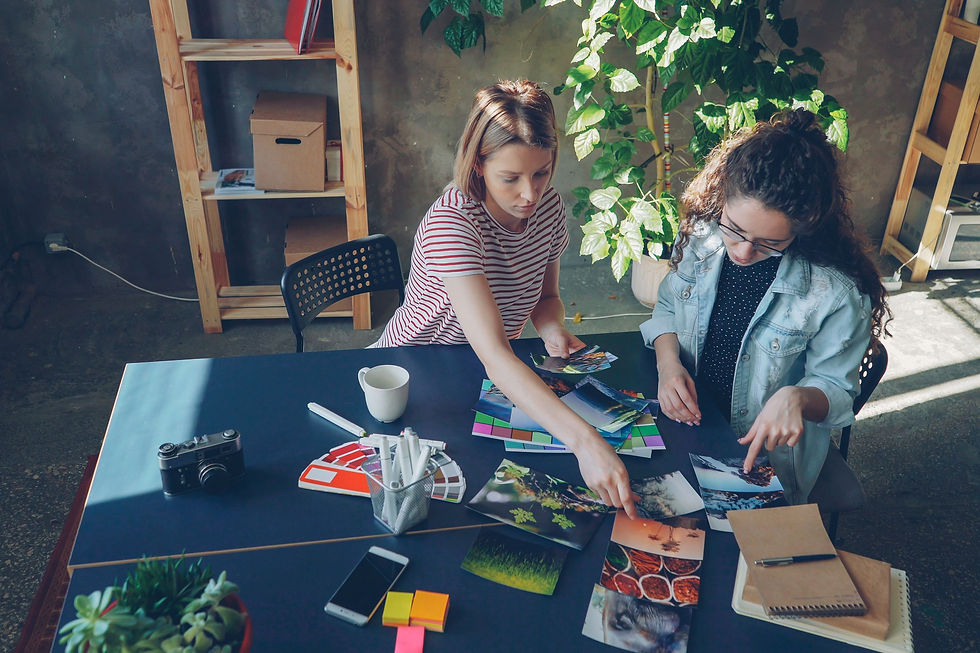
An AI product video is a moving brand asset created with artificial intelligence at one or more stages of production. AI may help explore the concept, generate environments, transform approved product imagery, animate a storyboard, create transitions, adapt the master or produce localized elements. It does not describe a single technique or quality level.
The final film can be fully synthetic, but many professional projects are hybrid. A team might photograph the real product, build a clean 3D model, generate background worlds, capture a performer, add motion graphics and finish the result through compositing, color and sound. The combination depends on which details must remain exact and which parts of the image can be flexible.
Useful formats include launch films, paid social ads, ecommerce explainers, feature demonstrations, retail displays and short campaign cutdowns. Some projects use a digital presenter; others keep the product central. The broader AI video production workflow shows how generative systems can support planning, production and post-production without replacing creative judgement.
The key distinction is usability. A concept clip can prove a mood. A campaign asset must survive review, match product truth, fit channel specifications and communicate a clear benefit. The production plan should define that quality bar before generation begins.
Start With Product Truth and Approved References

Product truth is the set of visual and factual details that cannot drift. It includes shape, dimensions, packaging, colors, materials, controls, labels, logo placement, claims and the way the product actually behaves. Before anyone writes prompts, the team should mark these details as locked.
Useful inputs include approved product photography from several angles, packaging files, CAD or 3D models, material references, brand guidelines, demonstration footage and a list of required claims. Reflective, transparent or articulated products often need more evidence because a model may invent highlights, surfaces or moving parts that look plausible but are wrong.
Reference quality affects every later stage. Photograph the product in neutral light when possible, keep labels readable and provide close-ups of important mechanisms. If a 3D asset exists, confirm its revision and textures. Separate temporary concept references from materials cleared for production so an unlicensed image does not quietly enter the final piece.
The same discipline supports still campaigns. Mimic AI Labs’ guide to AI product photography explains how approved product references, controlled environments and VFX review create a reusable visual system. Video adds time, motion and continuity to those requirements.
The Workflow From Brief to Campaign Master
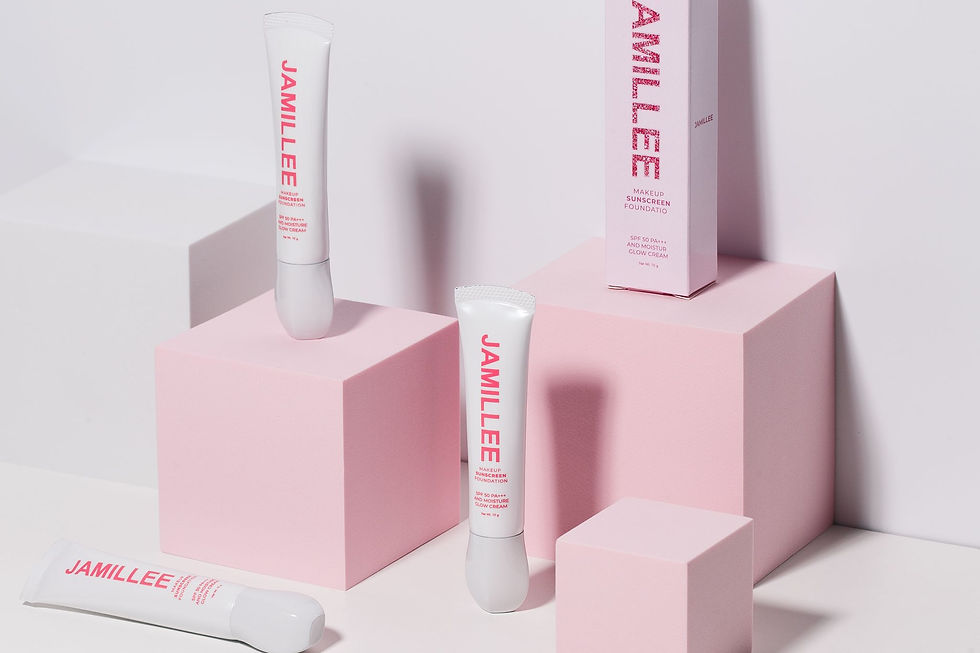
The brief should name the audience, campaign goal, product benefit, desired action, channels, markets, launch date and deliverables. It should also describe the visual territory and list the elements that must stay stable. A clear brief helps the team decide where AI adds value and where capture, 3D or conventional VFX offers better control.
Next, translate the idea into beats and shots. Define what the viewer sees, what the product does, how the camera moves and what each moment must communicate. A short product film may begin with a visual hook, reveal a problem or desire, show the product in use, prove one feature and end with a branded action.
Storyboards and motion tests make choices visible before the team invests in final generation. They reveal whether a product angle is readable, whether the sequence has enough time for a claim and whether the visual idea can work across formats. The AI storyboard production guide offers a practical method for turning campaign intent into coherent shots.
After approval, create controlled tests rather than hundreds of unrelated outputs. Lock one product view, environment, palette and camera language, then test a limited variable such as movement or lighting. Select promising frames, refine them and assemble a rough edit early. Rhythm and message are easier to judge in sequence than as isolated images.
Motion, Continuity and VFX Finishing

Motion exposes errors that a still image can hide. A label may crawl across the packaging, a cap may change shape, reflections may jump and a surface may breathe between frames. Camera movement can reveal missing product geometry. Human reviewers need to inspect the sequence frame by frame and in real-time playback.
Continuity starts with constraints. Keep the product reference, seed, camera path, lighting logic, lens feeling and scene layout stable where the workflow allows. Break complex shots into manageable components. A controlled product render can be composited into a generated environment, preserving the exact object while allowing creative freedom around it.
VFX finishing turns selected material into a coherent film. Artists may stabilize details, rebuild labels, clean edges, correct hands, composite product passes, match grain, shape light, smooth transitions and restore color consistency. Editors control pace and clarity. Sound design gives weight to movement and helps a synthetic scene feel intentional.
Mimic AI Labs’ technology stack combines high-fidelity AI video, digital humans, 3D scanning and motion capture. Those capabilities matter because each shot can use the method best suited to its risk: generation for range, 3D for geometry, capture for performance and VFX for control.
Versions, Localization and Channel Delivery
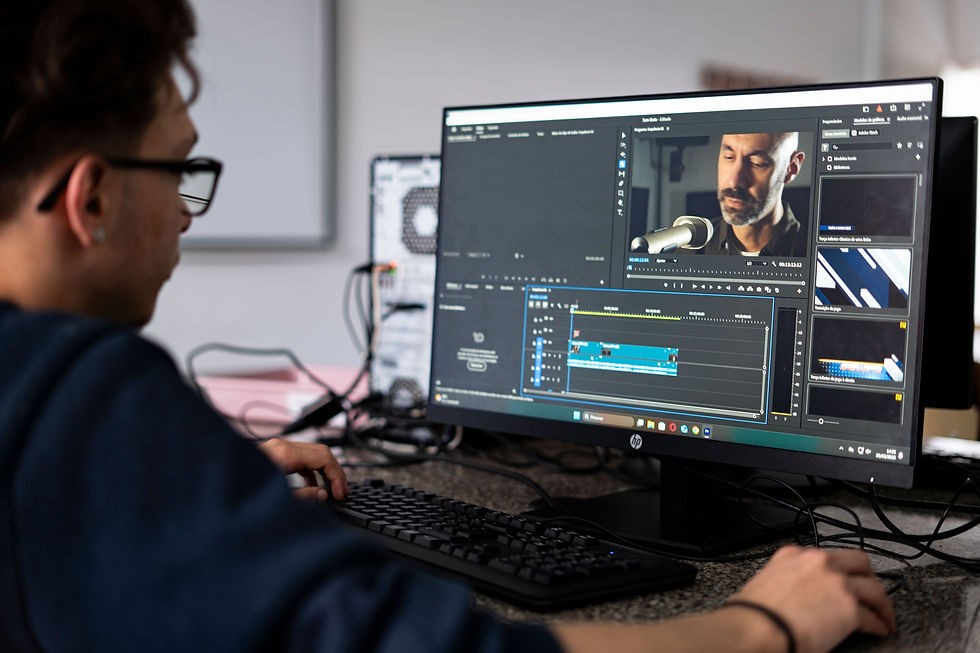
A product campaign rarely ends with one master. Marketing teams need vertical videos, square placements, short openings, six-second cutdowns, retail loops, website headers and ecommerce demonstrations. Plan these outputs before final shots are framed. Important product details and text need safe areas that survive different crops.
Versioning should change purposeful variables. A team may adapt the opening, use case, environment, offer or call to action for a particular audience. Product geometry, approved claims and brand identity remain fixed. Naming conventions and version records prevent teams from publishing an old label, unapproved scene or test voice.
Localization goes beyond translating subtitles. Spoken lines change duration. Packaging and legal copy may differ. Gestures, locations and demonstrations can carry different meanings. Each market needs a language and brand reviewer, plus legal review when claims or disclosures change.
AI can accelerate speech, lip sync, graphic replacement and regional variants, while human direction preserves tone. Mimic AI Labs’ AI video localization guide explains how a localization-ready master, approved voices and market-specific review support global campaigns.
Rights, Disclosure and Brand Safety

Rights need to be designed into the workflow. Confirm permission for product files, photography, performers, likenesses, voices, music, fonts, stock assets, reference images and generated outputs. Record the intended channels, territories, duration and any restrictions. A model’s technical ability to create an output does not establish permission to publish it.
Disclosure decisions depend on the context, market, platform and what the scene communicates. A stylized synthetic background may be ordinary post-production. A fictional demonstration, digital spokesperson or generated testimonial may need clearer context. The brand should define its policy before delivery rather than making the decision under deadline pressure.
Brand safety review includes factual accuracy, cultural fit, bias, product behaviour, claim substantiation and audience expectations. Reviewers need rejection criteria. If a generated scene implies an impossible result or a character appears to endorse a product without permission, visual quality cannot rescue the asset.
The AI brand safety workflow turns these concerns into practical gates from brief through launch. Projects using presenters can also learn from AI avatar video production where likeness, voice, performance and script approval require an especially clear record.
Cost, Timeline and Project Scope

AI product video cost depends on the job, not the label. The main drivers are concept development, product complexity, number and length of shots, level of realism, consistency requirements, input quality, talent or voice rights, music, finishing, review rounds, localization and delivery formats. A ten-second product film can demand more control than a longer atmospheric sequence.
Timelines also depend on approvals. Fast generation cannot compensate for missing product references, unclear claims or many decision-makers. A practical schedule includes discovery, reference preparation, concept and storyboard approval, motion tests, production, edit, VFX, sound, legal and brand review, versions and final quality assurance.
Scope a pilot around one product and one measurable campaign need. Define a master duration, a small set of formats and one or two variations. Agree on what must be photoreal, what may be stylized and how many review rounds are included. The pilot should leave behind reusable references, prompt patterns, scene components and approval notes.
Choosing a partner means evaluating strategy, art direction, production control and finishing together. The perspective in How to Choose an AI Video Production Company helps brands assess workflow maturity rather than judging a studio by a few generated clips. Learn more about the people behind the work on the Mimic AI Labs About page.
Frequently Asked Questions
Conclusion
AI product video can help brands explore more ambitious visual ideas, move faster and create useful variations from a shared campaign system. The strongest work begins with product truth and uses each tool where it offers real control. Generation expands the creative range; 3D, capture, editing and VFX make the result dependable.
A focused pilot is the practical first step. Lock the references, define the audience and deliverables, plan for every channel, record rights and approvals, and measure both creative performance and production efficiency. That foundation turns a single AI experiment into a repeatable product-content workflow.


Comments